

Sticky navigation, also known as a fixed or floating menu, refers to a navigation bar that remains visible and in place as users scroll down a webpage.
Instead of disappearing as the user scrolls, a sticky menu “sticks” to the top or side of the screen, providing constant access to key navigation links or actions.
This feature enhances user experience by making it easier to move around the website without needing to scroll back up to the top of the page.

For example, when you visit a website with a long blog post or an ecommerce website with endless product listings, sticky navigation ensures that the main menu, shopping cart, or other essential links remain accessible as you browse. This can reduce friction, improve user satisfaction, and potentially increase conversions or page views.

Sticky navigation is especially useful for websites that have a lot of content or complex site structures, such as blogs, news sites, and e-commerce websites. By keeping the navigation bar in constant view, it helps users move between sections more easily, leading to a smoother browsing experience.
4 WordPress Themes That Support Sticky Navigation
In WordPress, sticky navigation can be implemented through themes, plugins, or page builders. Many modern WordPress themes come with sticky menu options built in, while some page builders allow you to customise and add sticky elements to any part of the website. Let’s dive into some top WordPress themes and page builders that support sticky navigation.
1. Astra

Astra is one of the most popular and lightweight WordPress themes, known for its flexibility and speed. It offers built-in support for sticky navigation, allowing users to enable the feature with just a few clicks. Astra’s sticky header option ensures that your navigation menu remains visible as users scroll down the page, enhancing the overall user experience.
Astra is highly customisable and works seamlessly with popular page builders like Elementor and Beaver Builder, making it a top choice for anyone looking to build a professional website with sticky navigation.
2. OceanWP
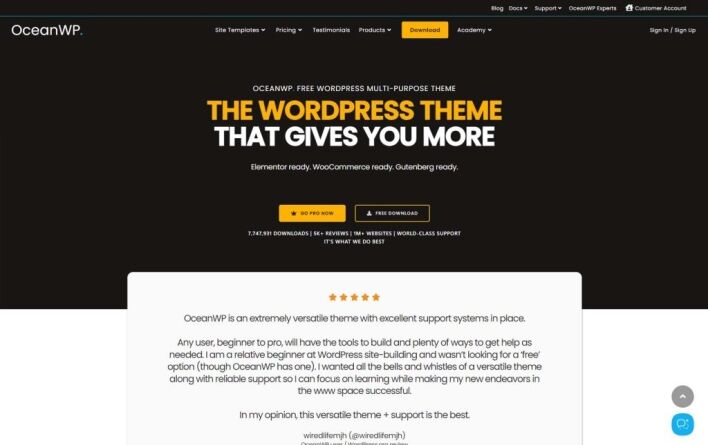
OceanWP is another versatile WordPress theme that supports sticky navigation. With its easy-to-use customisation options, you can enable a sticky header to keep your menu visible at all times. OceanWP is fully responsive, ensuring that the sticky navigation works smoothly on all devices, from desktops to smartphones.
The theme is also compatible with major page builders and offers several pre-built demos, making it easy to get started with a sticky navigation feature without needing any coding knowledge.
3. Neve
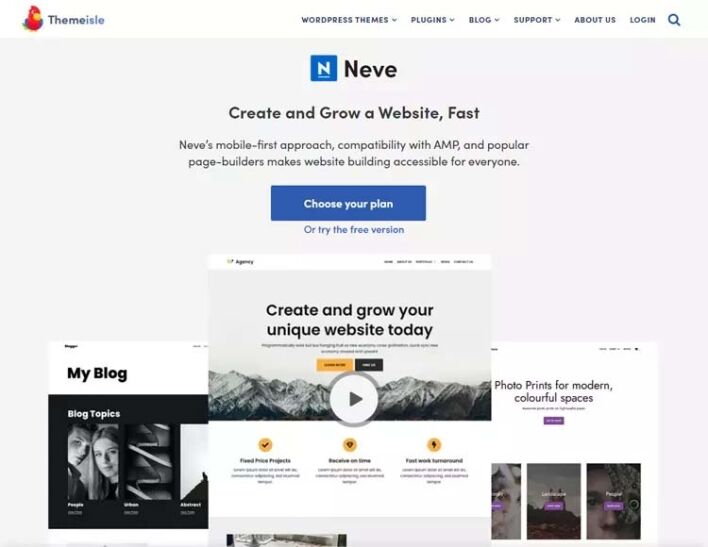
Neve is a fast, modern WordPress theme designed for speed and performance. It supports sticky navigation out of the box, making it easy for website owners to enable a floating header that stays visible as users scroll. Neve’s sticky navigation feature is fully customisable, allowing you to control how and when the sticky menu appears.
Neve is compatible with popular page builders and is suitable for a wide range of websites, from blogs to business sites and e-commerce stores.
4. GeneratePress
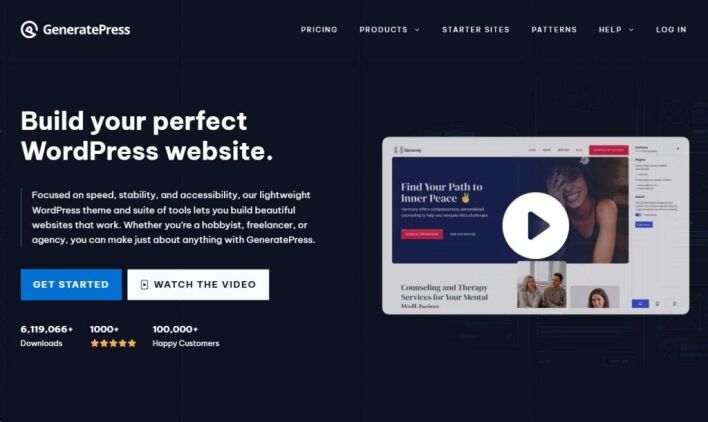
GeneratePress is a fast, lightweight theme that focuses on performance and usability. It offers sticky navigation as part of its premium version, allowing you to keep your menu in view as visitors scroll through your site. GeneratePress’s sticky navigation is highly customisable, letting you adjust its behaviour and appearance to suit your design.
This theme is an excellent choice for developers and non-developers alike who want a clean, professional website with the added benefit of a sticky menu.
4 WordPress Page Builders That Support Sticky Navigation
1. Elementor
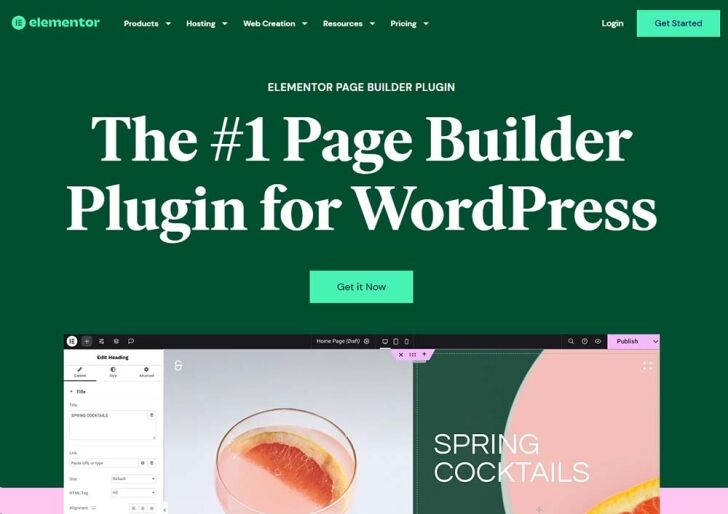
Elementor is one of the most popular WordPress page builders, and it comes with built-in support for sticky navigation. With Elementor’s sticky feature, you can make any section or widget “stick” to the top of the page as users scroll. This allows you to create custom sticky headers, sidebars, or even call-to-action buttons that remain visible while users browse.
Elementor’s sticky options are highly flexible, giving you control over when and how the sticky effect is applied, such as on specific devices or after a certain scroll depth.
2. Beaver Builder
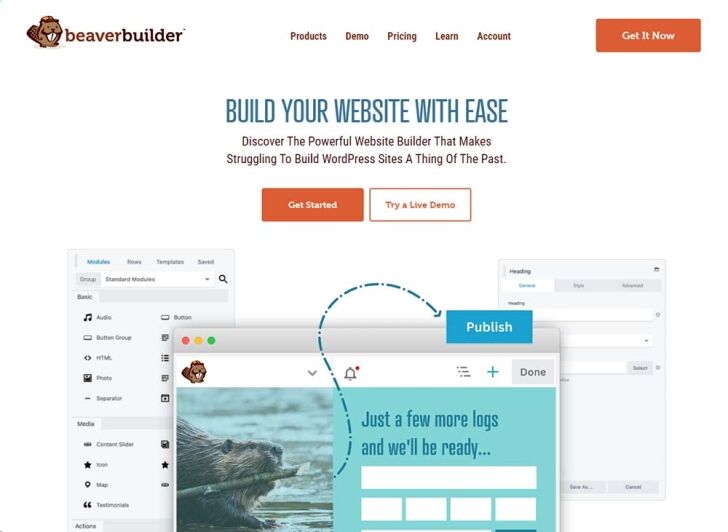
Beaver Builder is a powerful drag-and-drop page builder that supports sticky navigation. You can easily create a sticky header or menu using Beaver Builder’s advanced modules. The sticky feature ensures that your navigation remains fixed in place as users scroll, enhancing the user experience and making navigation easier.
Beaver Builder is known for its clean code and compatibility with various themes, making it a reliable choice for building websites with sticky navigation.
3. Divi
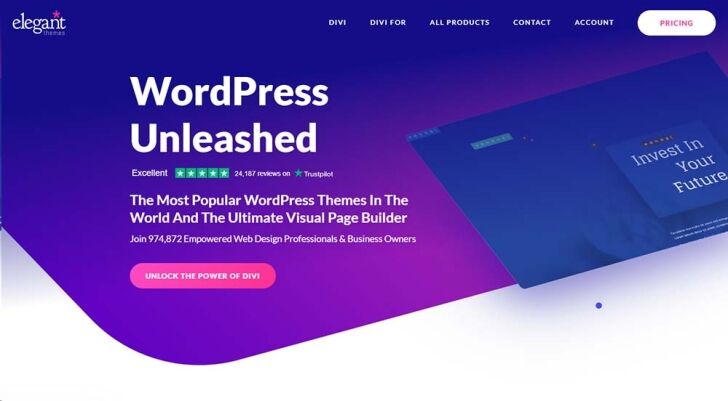
Divi by Elegant Themes is a highly versatile page builder that includes sticky navigation functionality. With Divi, you can make any section or module sticky, including navigation menus, headers, or even promotional banners. The builder offers granular control over sticky settings, allowing you to customise the appearance and behaviour of sticky elements for different devices.
Divi’s sticky navigation options help you create engaging, user-friendly websites that encourage visitors to explore your content more easily.
4. Brizy
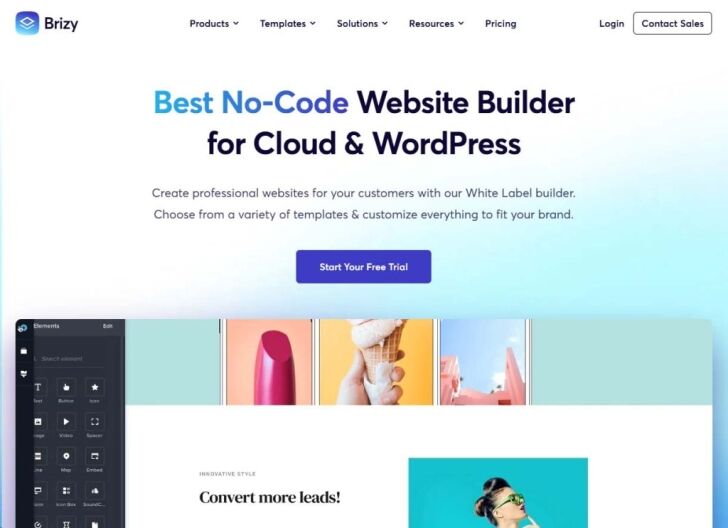
Brizy is a user-friendly page builder that allows you to create sticky navigation with ease. Brizy’s drag-and-drop interface makes it simple to add sticky headers or navigation bars that remain fixed as users scroll through the site. You can also adjust the sticky behaviour for different devices to ensure a consistent experience across mobile, tablet, and desktop.
Brizy is a great option for beginners who want to add sticky navigation without dealing with complex code or settings.
Conclusion
Sticky navigation is an essential feature for improving the user experience on WordPress website designs. By keeping key navigation elements visible at all times, it helps users explore your site more easily and encourages them to stay longer.
Whether you’re using a WordPress theme or a page builder, enabling sticky navigation is a powerful way to enhance the usability and functionality of your website.
With the themes and page builders mentioned above, you can create a seamless browsing experience that keeps your visitors engaged and increases conversions.



