

As WordPress continues to be the go-to content management system (CMS) for millions of websites worldwide, the importance of efficient media management cannot be overstated.
Whether you run a business WordPress website or complex ecommerce websites, managing your media library is crucial for keeping your site organised, fast, and easy to use.
Unfortunately, WordPress’s native media library has some limitations, especially as your media files grow in number. To overcome these limitations, there are several WordPress plugins specifically designed to enhance media library management.

In this blog post, we will explore the top 5 WordPress plugins that can help you streamline your media library, making it easier to manage, organise, and optimise your files.
1. FileBird – WordPress Media Library Folders
Best For: Organising Media Files into Folders
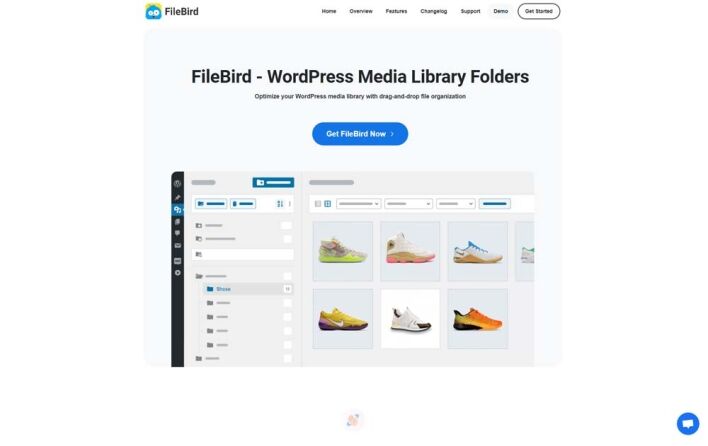
FileBird is a powerful media library plugin that adds an intuitive folder system to your WordPress site. If you’ve ever struggled to find a specific image, document, or video in a crowded media library, FileBird could be the answer.
With this plugin, you can create unlimited folders and subfolders to organise your media files, just like you would on your computer.
Key Features:
- Drag-and-Drop Interface: Easily drag files between folders to organise your media library.
- Unlimited Folders and Subfolders: Create as many folders and subfolders as needed to categorise your files.
- Compatibility: Fully compatible with popular page builders like Elementor, WPBakery, and Beaver Builder.
- Search and Filter Options: Quickly find specific files using advanced search and filter features.
- Cloud Integration: Supports popular cloud storage options like Google Drive and Dropbox.
FileBird’s simplicity and efficiency make it an excellent choice for WordPress users who need better organisation for their growing media libraries.
2. Media Library Assistant
Best For: Advanced File Management and Search Capabilities
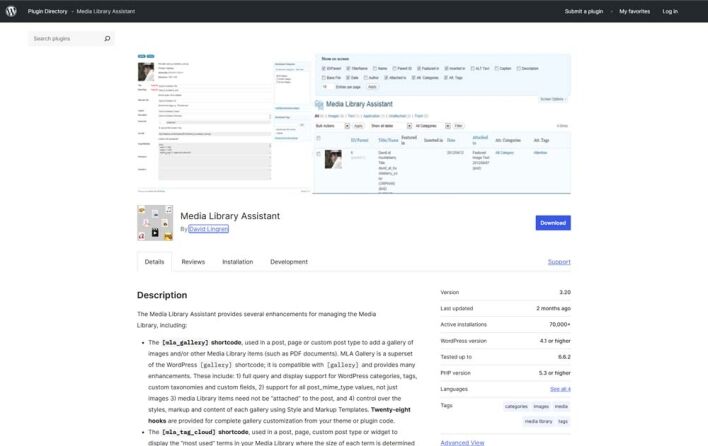
Media Library Assistant is one of the most versatile and comprehensive plugins for managing WordPress media files. It goes far beyond simple organisation, offering advanced taxonomy support, file search, and metadata management.
This plugin is perfect for users who need more granular control over their media files and want to leverage additional features that WordPress’s default media library doesn’t provide.
Key Features:
- Enhanced Search Capabilities: Use custom queries and filters to search media items based on metadata, categories, tags, and custom fields.
- Taxonomy and Metadata Management: Assign categories, tags, and custom taxonomies to your media items.
- Shortcode Support: Easily display media items in posts and pages using customisable shortcodes.
- Bulk Editing: Edit multiple media items at once, saving time when managing large libraries.
- Gallery Management: Create media galleries from your files with just a few clicks.
Media Library Assistant is ideal for users who need a high degree of flexibility and control when managing large libraries with thousands of media files.
3. WP Media Folder
Best For: Cloud Integration and SEO Optimisation
WP Media Folder is another popular media library plugin that adds folder functionality to your WordPress media library.
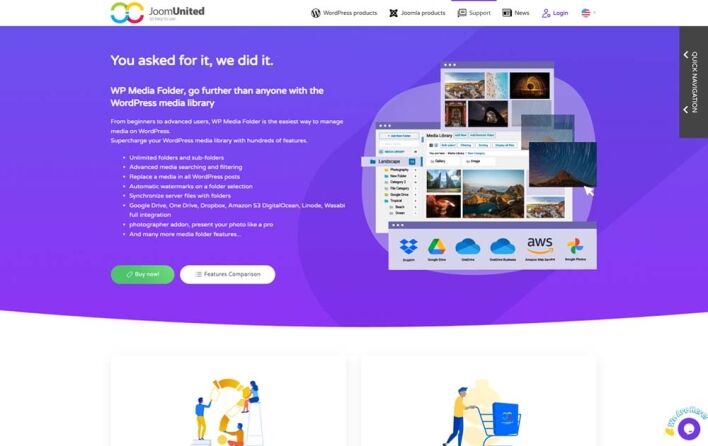
However, what sets WP Media Folder apart from the competition is its deep integration with cloud storage platforms such as Google Drive, Dropbox, OneDrive, and Amazon S3.
This is perfect for users who want to store large files off-site while still being able to access them from their WordPress dashboard.
Key Features:
- Cloud Integration: Sync your WordPress media library with cloud storage services for easy access to large files.
- SEO Optimisation: Automatically optimise image SEO by generating ALT texts, titles, and captions based on file names.
- File Versioning: Keep track of file versions to prevent overwriting important media items.
- Responsive Galleries: Build responsive galleries from media files stored locally or in the cloud.
- Bulk Actions: Perform bulk actions like moving, deleting, or renaming files across multiple folders.
WP Media Folder’s cloud storage integration is invaluable for websites that require large media storage, such as photography portfolios, video platforms, and content-heavy blogs.
4. Enhanced Media Library
Best For: Adding Categories, Tags, and Filters
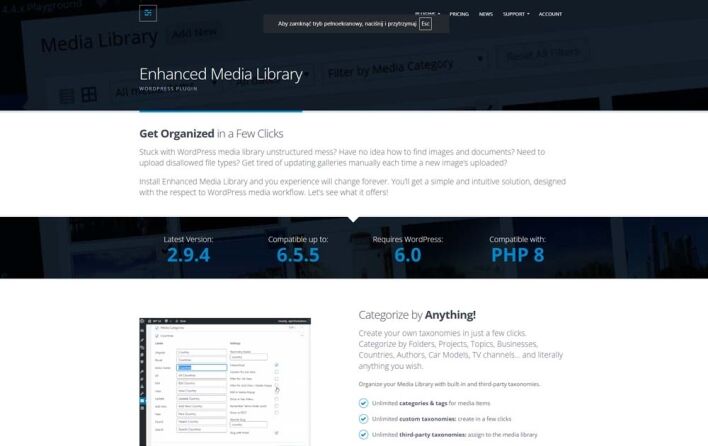
Enhanced Media Library is designed for users who want to bring more organisation to their WordPress media files without relying on folders.
This plugin allows you to categorise, tag, and filter your media files, making it easy to find specific images, videos, or documents quickly.
Key Features:
- Custom Taxonomies: Create custom categories, tags, and filters for your media items.
- Enhanced Search Functionality: Use filters to search media by categories, tags, file type, and other custom parameters.
- Bulk Editing: Assign categories and tags to multiple media files at once.
- Compatibility: Fully compatible with the WordPress block editor (Gutenberg) and popular page builders.
- Media Library Sorting: Sort your media files by title, date, file type, or custom taxonomies.
If you prefer categorisation over folder-based organisation, Enhanced Media Library is the perfect plugin for you. It simplifies media management through powerful filtering options, making it easier to locate specific files when you need them.
5. Regenerate Thumbnails
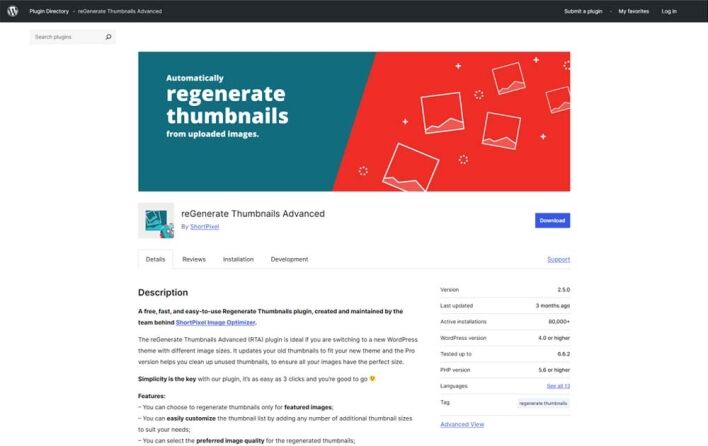
Best For: Automatically Regenerating Thumbnails for All Media Files
Regenerate Thumbnails is a must-have plugin for anyone who regularly changes themes or image dimensions on their WordPress site.
This plugin regenerates thumbnails for all previously uploaded images, ensuring they are resized according to the new theme or settings.
It’s a simple yet essential tool for maintaining consistency and quality across your media library.
Key Features:
- Batch Processing: Regenerate thumbnails for one or all media files at once.
- Selective Regeneration: Choose which images to regenerate thumbnails for, or regenerate all at once.
- Support for Custom Image Sizes: Automatically generate thumbnails in multiple sizes based on custom settings.
- Error-Free Management: Ensure no broken images or thumbnails after changing themes or settings.
Regenerate Thumbnails is particularly useful for web developers, designers, and anyone frequently updating their website’s look and feel. It ensures your site’s images are always optimised and appropriately sized, without having to manually resize each file.
Conclusion
Managing your WordPress media library can become a challenge as your website grows, but with the right tools, you can keep everything organised, accessible, and optimised.
The five plugins discussed: FileBird, Media Library Assistant, WP Media Folder, Enhanced Media Library, and Regenerate Thumbnails, each bring unique features and advantages to the table.
Whether you need advanced search capabilities, cloud integration, or simply a way to organise your media files into folders, there is a plugin that fits your needs.
By incorporating one or more of these plugins into your WordPress site, you’ll be able to better manage your media library, improve website performance, and streamline your workflow for years to come.



