

Remote or hybrid work has dominated the list of most sought-after employee benefits over the last few years, thanks to the freedom and flexibility it provides.
For web designers, transitioning to remote work can be an easy change with the right tools and strategies in place.
Below, we take a look at the essentials for remote web designers, offering an extensive guide on tools and tips to heighten productivity and creativity from anywhere in the world.

Essential Hardware and Workspace Setup
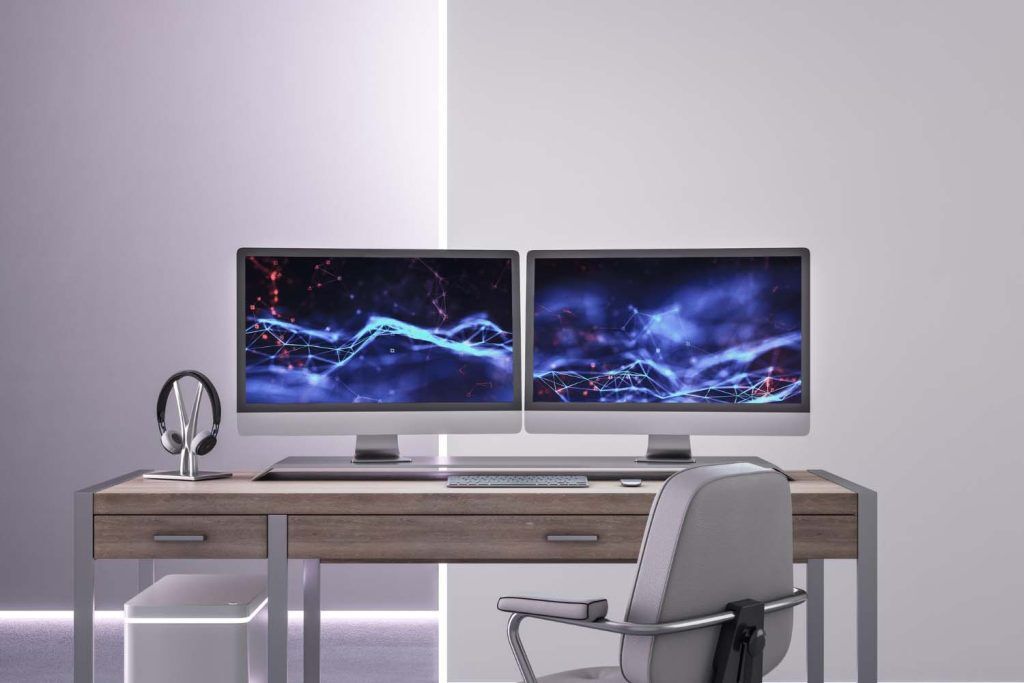
The first task for any remote worker is creating a comfortable and efficient workspace; investing in high-quality hardware can make all the difference. Start with a powerful computer with plenty of processing power and RAM, which will ensure a smooth web designing experience.
A dual monitor setup can also boost productivity by cracking open productivity and enhancing workflow management. You will also need a quality internet connection that won’t drop every few hours. Having a backup option, like a mobile hotspot, can be invaluable in the event of unavoidable network outages.
Investments in computer hardware is half of the challenge, the other is taking care of your body. Having an ergonomic office can help prevent issues like repetitive strain injuries (RSI) and fatigue, so don’t tighten your wallet when it comes to buying office chairs, desks, keyboards, and a mouse.
Vital Software Tools
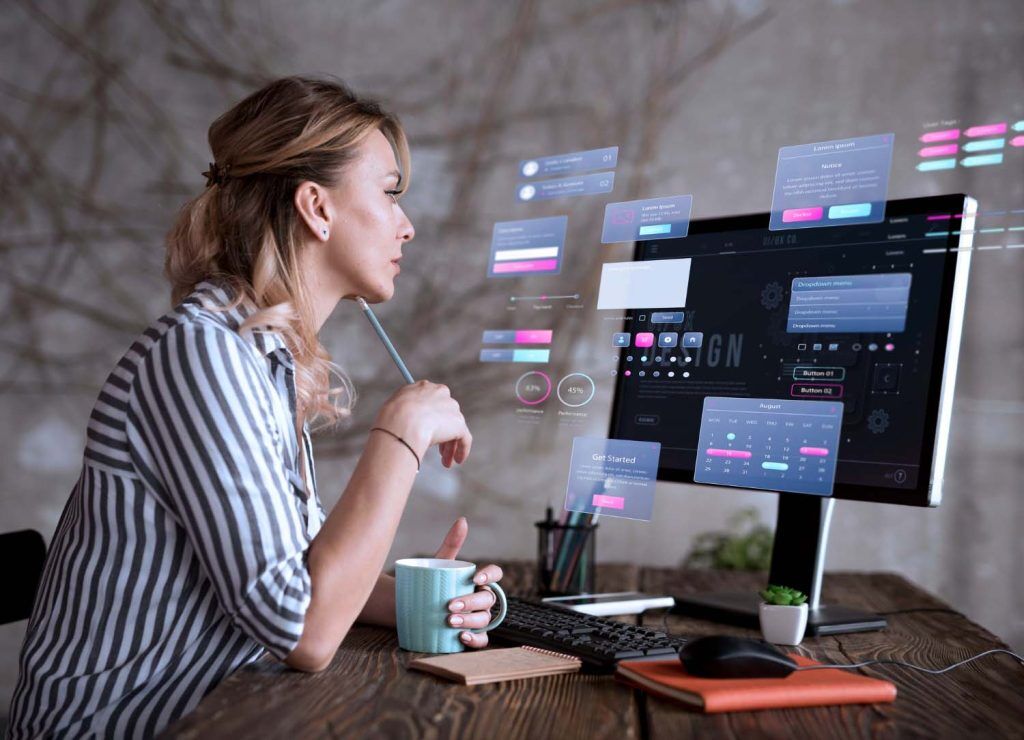
Using the right software can take your creativity to the next level while streamlining your workflow. Industry-standard design tools like Sketch, Adobe Creative Cloud, and Figma provide powerful features for creating attractive websites. Version control tools like Github and Git are vital for collaborating with other developers and having clear documentation.
You will also find helpful project management tools like Asana, Trello, and Monday.com, which will keep track of your web development tasks.
If you need to keep in touch with clients or colleagues, communication tools including Microsoft Teams, Zoom, and Slack are a no-brainer. Regular check-ins with colleagues and clients are crucial for remote work success and can make being alone feel less isolating.
Online Security and VPNs
Security is an important part of the web design process, which is why we recommend implementing strategies to keep sensitive data and activity safe. Using a Virtual Private Network (VPN) is a great step towards digital security. A VPN encrypts your internet connection, keeping your movements inaccessible to cybercriminals, ISPs, and other entities. To learn more about how a VPN can boost your online security, check out this Surfshark VPN review. The VPN is tethered to your device, meaning you’re secure whether you’re working at home, in a coffee shop, or sitting on a beach somewhere.
File Management and Cloud Storage
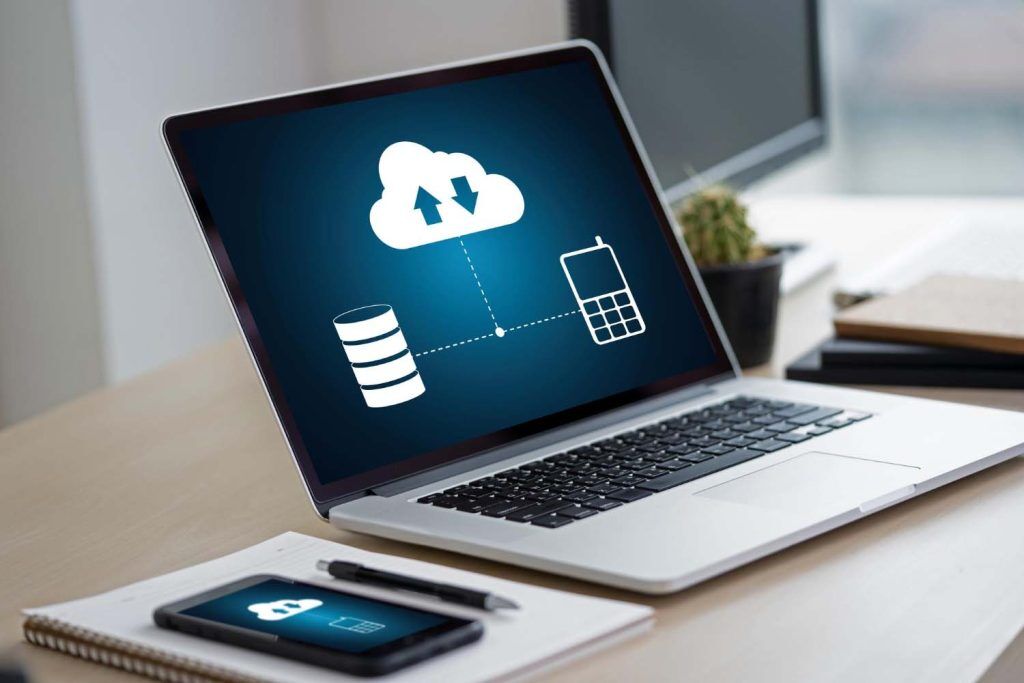
Web design often involves countless files containing code, sensitive information, and media. Having a secure way of storing and managing them is essential. If you’re part of a remote team, Google Drive, Dropbox, and One Drive are great options for easily sharing files.
The solution you choose will depend on your preferences. For example, you should choose Google Drive if you use other Google services including Gmail, Google Docs, and Google Chat.
Having your files backed up and accessible from any device will boost security and make it easy to collaborate with clients and colleagues.
Feedback and Collaboration Tools
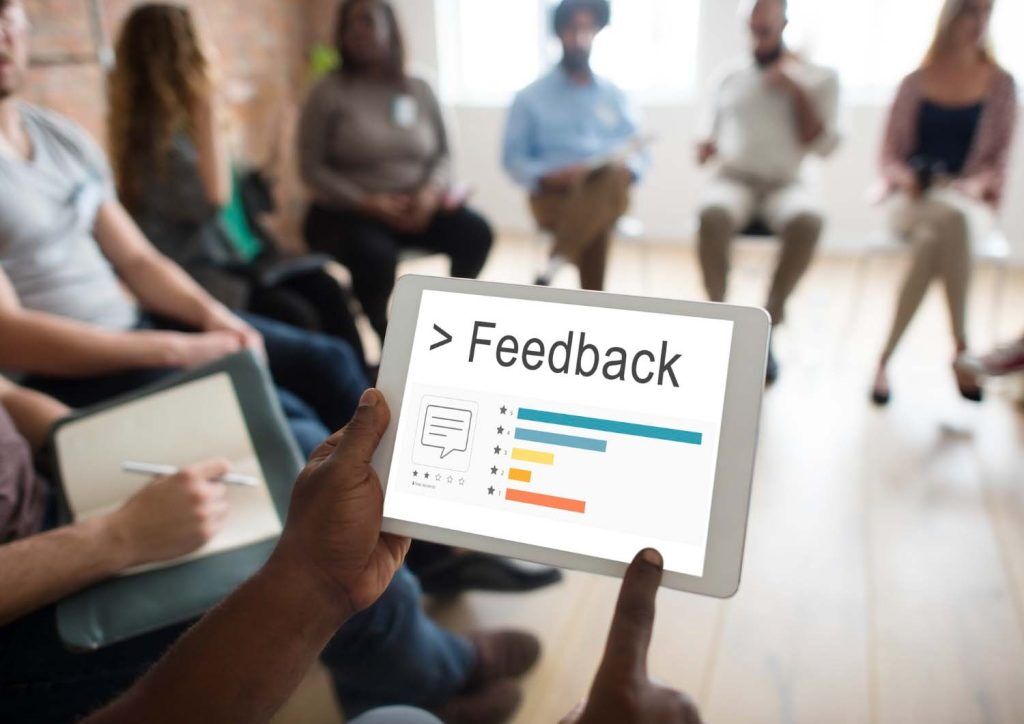
Web design can become overwhelming, which is why collaboration is often a key ingredient for success. Using collaboration tools can help streamline feedback and improve output quality. InVision is a powerful option designed around interactive prototyping and real-time collaboration.
Miro offers a virtual whiteboard that’s great for brainstorming, while Zeplin closes the gap between developers and designers by offering detailed assets and design specs. These tools pave the way for effective communication and collaboration, ensuring entire teams are on the same page and your remote experience is positive.
Productivity and Time Management

Time management is non-negotiable when it comes to successful web design and remote working. Tracking software like Harvest and Toggl will keep tabs on progress and highlight any areas you can approve.
Following the Pomodoro Technique, which involves splitting work into 25-minute intervals followed by a short break, can improve productivity and focus. Creating daily to-do lists and ordering tasks by priority will help get the most out of your working day. These strategies and tools will keep you on task and will improve your work-life balance.
Continuous Learning and Skill Development

Web design isn’t something you can learn once and be done with it; it’s ever-changing and calls for continuous learning and skill development. Spend time keeping updated with the latest trends, and consider taking courses from digital platforms like Coursera, LinkedIn, and Udemy.
Take part in online workshops and webinars, allowing you to learn from industry leaders while networking with peers. Explore design communities by joining platforms like Behance and Dribble, offering a space to share your work and receive feedback. You will also find a healthy community of web designers on platforms like Reddit and Stack Overflow.
Health and Wellness Tips

Remote work can take a toll on your mental health, which is why maintaining positive health and wellness is crucial. Take regular breaks to avoid burnout, and introduce physical activities like short walks and stretching to keep up energy levels. Keeping the mind clear with meditation and deep breathing exercises can help manage stress, keeping you free to get creative and remain productive.
A balanced diet and staying hydrated are also important ways to boost your health. Try to avoid unhealthy foods and sugary energy drinks. Instead, explore alternatives that will keep the mind focused for those long sessions, such as green tea or kombucha.
Remote work offers a flexible way of life for web designers, but the right tools and strategies need to be in place for it to be successful. By investing in high-quality hardware, using various software tools, activating a VPN, and following effective time management practices, you will be on track to having a secure, productive, and comfortable remote workspace.



