

WebP and JPG are two widely used image formats, each offering unique benefits for web and digital use. While WebP is often preferred for modern website design due to its superior compression, there are scenarios where JPG format is more suitable, especially for compatibility.
In this article, we’ll explore the differences between WebP and JPG, look at the benefits of each, and provide practical solutions for converting WebP images to JPG.
We’ll also cover five popular online tools and three graphic software applications, including Adobe Photoshop, to help you easily make these conversions.
Benefits of WebP
Smaller File Sizes: WebP format uses both lossy and lossless compression techniques, making file sizes smaller without sacrificing image quality. This feature reduces storage space needs and improves page loading times on websites.
Improved Load Times: Due to its optimized compression, WebP can significantly improve load times, especially on image-heavy websites, which helps enhance SEO rankings and user experience.
Transparency and Animation Support: WebP supports transparency (like PNG) and animation (like GIF), making it versatile for various applications.
Benefits of JPG
Widespread Compatibility: JPG is a widely compatible image format, supported by almost all devices, browsers, and graphic applications. This makes it ideal for sharing and using across different platforms.
Good Quality with Small File Sizes: Although not as efficient as WebP, JPG compression is still effective for reducing file sizes while maintaining reasonable image quality, especially for photographs and complex images.
Ideal for Print and Offline Use: JPG files are commonly used in offline scenarios, such as print media, due to their balance of quality and file size.
5 Top Websites to Convert WebP to JPG Online
If you need to convert WebP to JPG quickly, several online tools offer fast, easy, and free conversion services. Here are five of the top options:
Convertio
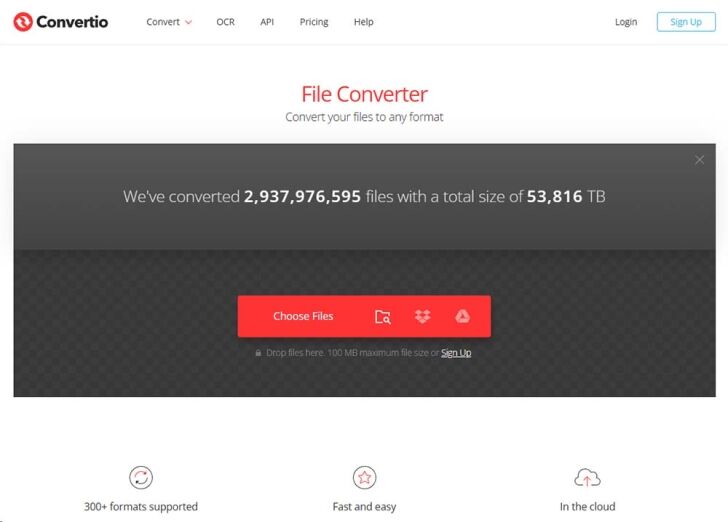
Convertio is a user-friendly online tool that supports a wide range of image conversions, including WebP to JPG. Simply upload your WebP file, choose JPG as the output format, and download the converted file. Convertio is particularly useful for batch conversions and supports file uploads from cloud storage services like Google Drive and Dropbox.
FreeConvert
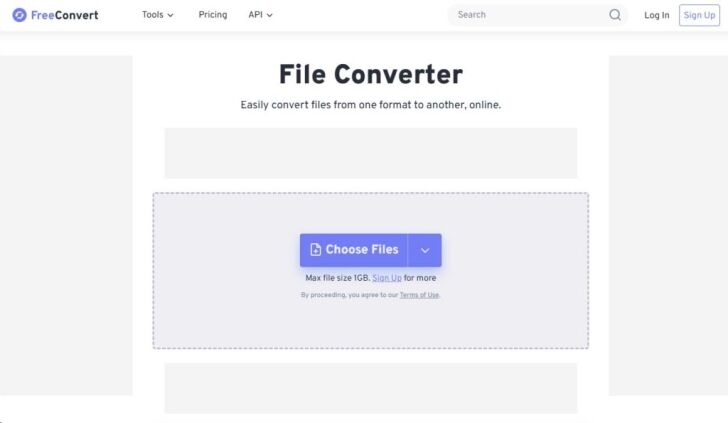
FreeConvert is another straightforward online tool that supports multiple image formats. Users can upload a WebP file, choose JPG as the target format, and customize settings such as compression levels. FreeConvert is known for its quick processing times and user-friendly interface.
Online-Convert.com
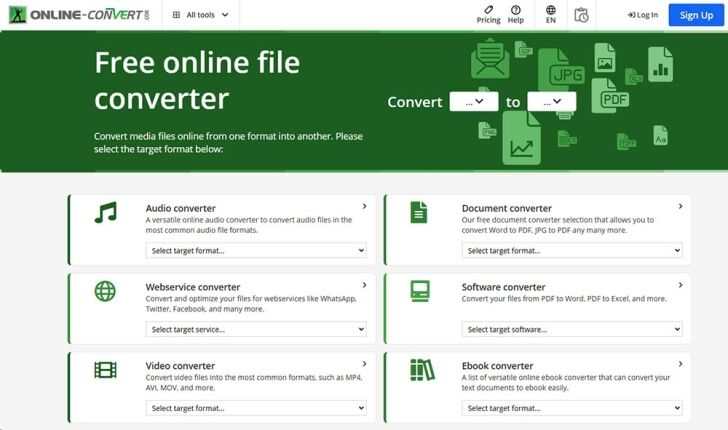
Online-Convert.com provides an easy-to-navigate interface and offers numerous conversion settings, such as adjusting image quality, file size, and colour adjustments. After selecting the WebP file, users can customize the output settings before downloading the JPG version.
EZGIF
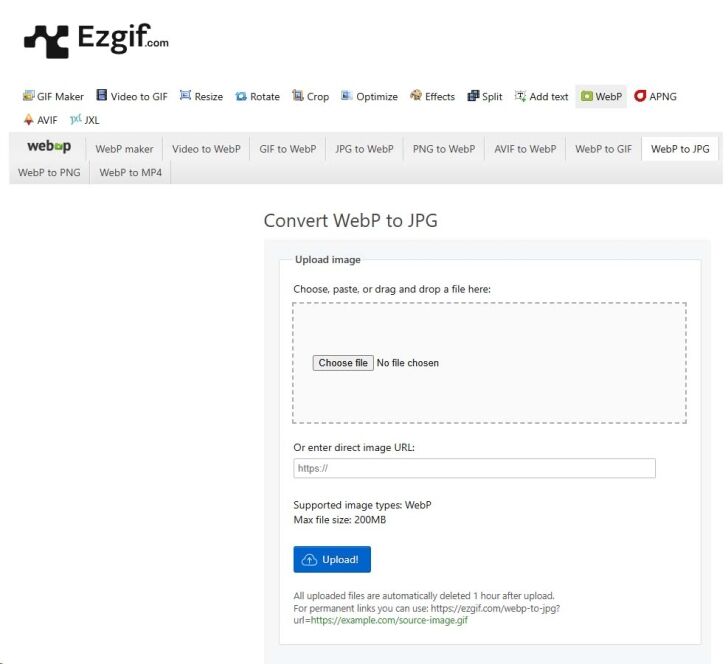
Primarily known as a GIF editor, EZGIF also provides a WebP-to-JPG conversion tool. This site is perfect for quick, single-file conversions and allows users to make basic edits, such as cropping or resizing the image, before downloading the JPG.
CloudConvert
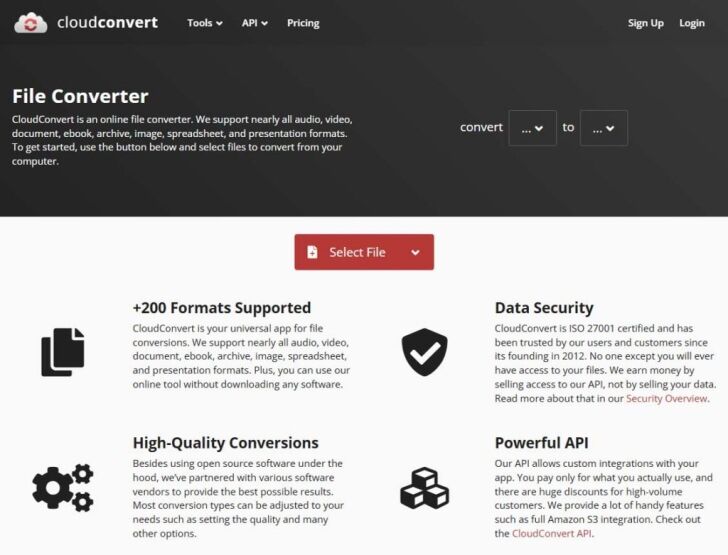
CloudConvert supports various file formats, including WebP and JPG, and offers advanced conversion options. This site is ideal for professionals who need more control over image quality, resolution, and file size during the conversion process.
3 Graphic Software Applications to Convert WebP to JPG
If you’re looking to convert WebP files to JPG locally, graphic software applications can offer a range of editing and customization options. Here are three top applications to consider:
Adobe Photoshop
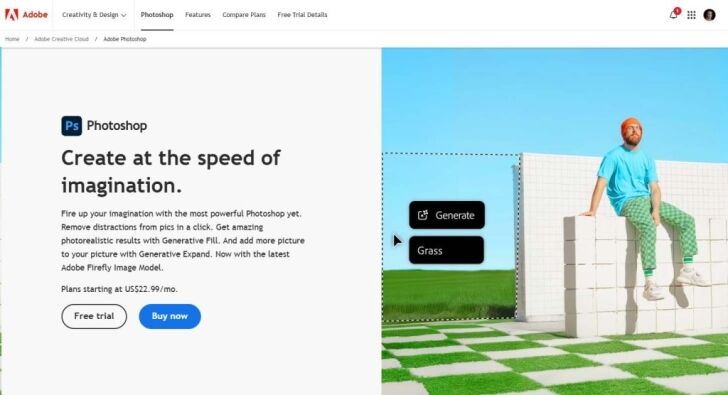
Adobe Photoshop is a powerful tool for image editing and conversion. Photoshop supports WebP files, allowing users to open a WebP image, make any necessary adjustments, and then save it as a JPG file.
To convert, open the WebP file in Photoshop, go to “File” > “Save As,” and select JPG as the output format. Adobe Photoshop provides detailed control over image quality and resolution, making it ideal for professional use.
GIMP
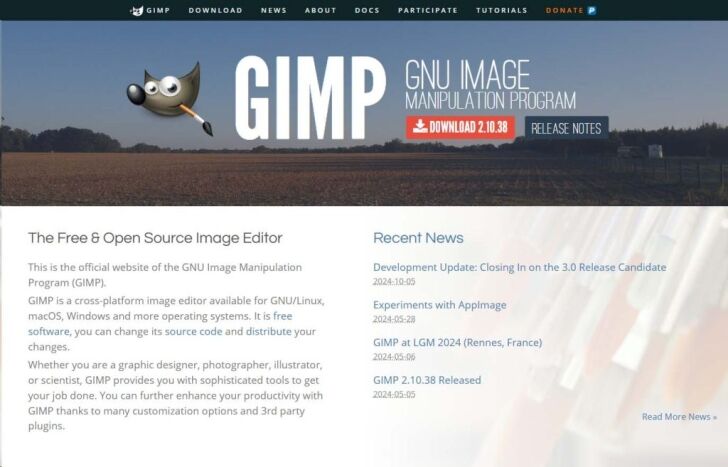
GIMP (GNU Image Manipulation Program) is a free, open-source graphic software similar to Photoshop. It supports WebP files natively, allowing users to convert WebP to JPG with ease.
Open the WebP file in GIMP, make any desired edits, and choose “Export As” to save the image in JPG format. GIMP also allows you to adjust compression and image quality, making it a flexible option for various projects.
IrfanView
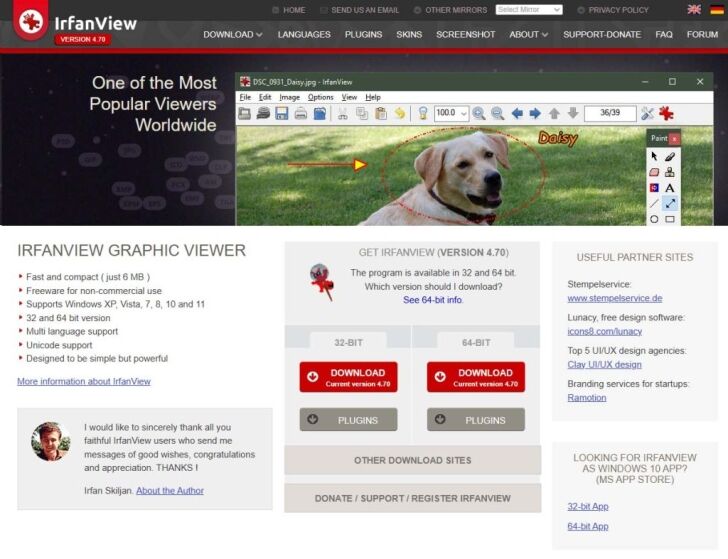
IrfanView is a lightweight, free image viewer and editor that supports WebP files. It is particularly useful for batch conversions. To convert WebP files to JPG, open the file in IrfanView, click “Save As,” and choose JPG as the target format. IrfanView is a fast and efficient choice for users who need to convert multiple files quickly.
Tips for Converting WebP to JPG
When converting WebP to JPG, it’s essential to keep a few things in mind:
Quality Loss: WebP is often more efficient in compression than JPG, so converting may result in slight quality loss. Always check the final output to ensure it meets your standards.
Batch Conversions: If you need to convert multiple files, consider using tools like IrfanView or Convertio, which support batch processing and can save time.
Customizing Settings: Many tools allow you to adjust settings such as resolution, compression level, and color profile. Experiment with these settings to achieve a balance between file size and quality.
Conclusion
Both WebP and JPG formats offer distinct benefits for different scenarios, and knowing how to convert between them ensures you have the right file format for your specific needs.
Whether you prefer online tools like Convertio and FreeConvert for quick conversions or graphic software like Adobe Photoshop and GIMP for more control, the options above provide flexibility for both casual users and professionals.
With these resources, converting WebP to JPG has never been easier.



